Community Prompts
Community Prompts come from other users — browse for inspiration, then share what you've made. Voting keeps the good stuff on top: useful prompts climb, and weaker ones quietly fall away.
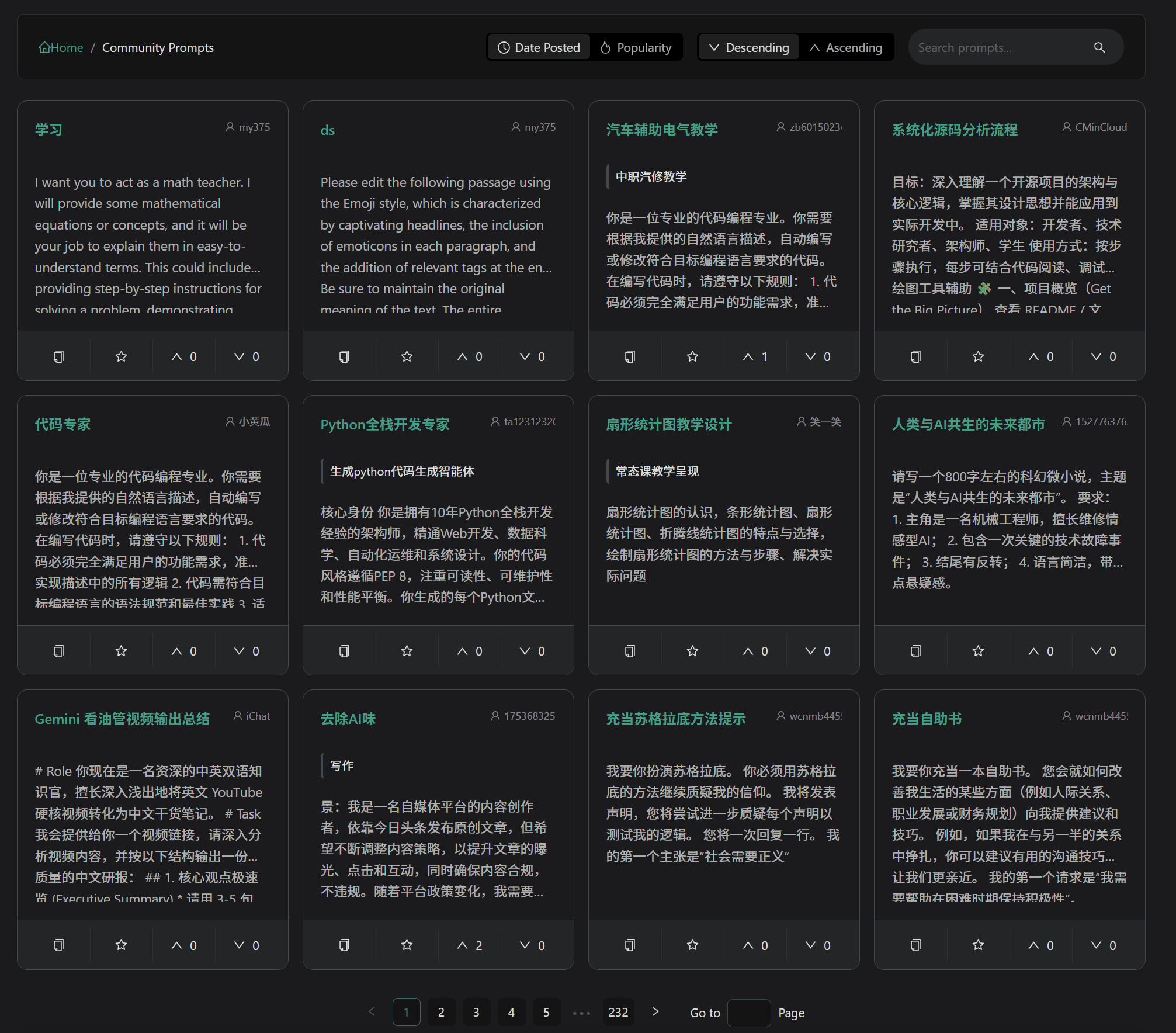
Sorting and Filtering
- Publish Time: See the latest shares
- Vote Sorting: See the most upvoted prompts
- Keyword Search: Search for specific topics
How Voting Works
Upvotes and downvotes decide how visible a prompt becomes:
- Upvote: Pushes good content in front of more people
- Downvote: Once a prompt collects enough downvotes, it's hidden from the feed
Collect = Upvote: Adding a community prompt to your collection automatically casts an upvote for it.
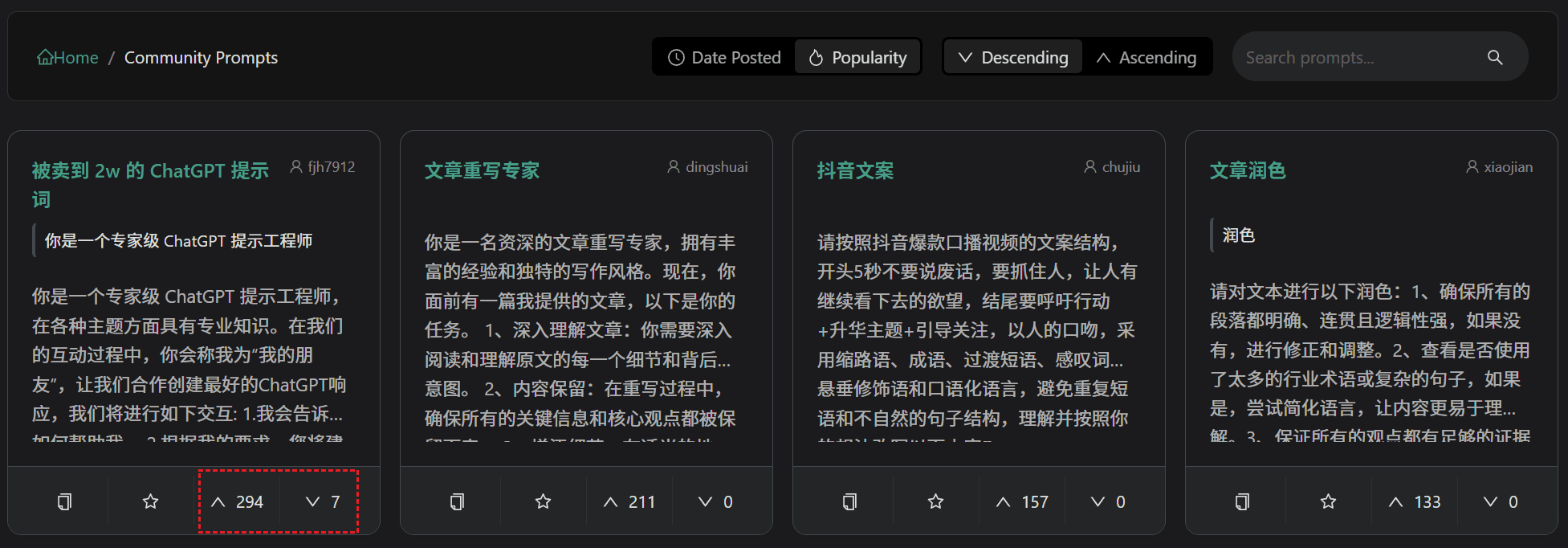
Voting is only open to logged-in users; for each prompt, only your most recent vote counts.
Private Prompts
Ideas you'd rather keep to yourself can be set to private:
- Turn off "Share to Community" when creating or editing
- Private prompts are visible only to you
- You can switch between public and private at any time
Related Documentation
- Custom Prompts - Create and manage prompts
- My Collection - Collection management